

Make your own T-shirts for a bachelorette with Cricut Easy Press
Published on May 10, 2022
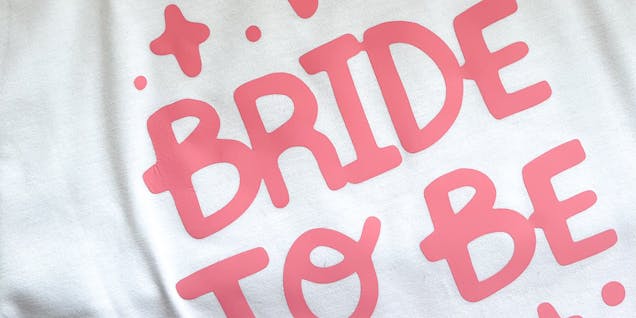
Calling all brides to be and bridal teams! Celebrate your bachelorette in style with a set of personalized T-shirts for the whole bridal party. Check out Emma Jewell's cute Cricut Design template and this super easy tutorial to make fabulous iron-on T-shirts with a Cricut Easy Press. No time to waste, you've got a bachelorette to go to!
- Cricut Maker 3
- Cricut Easy Press
- Cricut Design Space app installed on a laptop, PC, Tablet or mobile device
- Plain T-shirt
- Cricut Smart Iron-on Pink
- Weeding tool
How to make your t-shirt
Start by opening the above project on Cricut Design Space, then select the images you would like to use and resize them to fit the T-shirts you have.
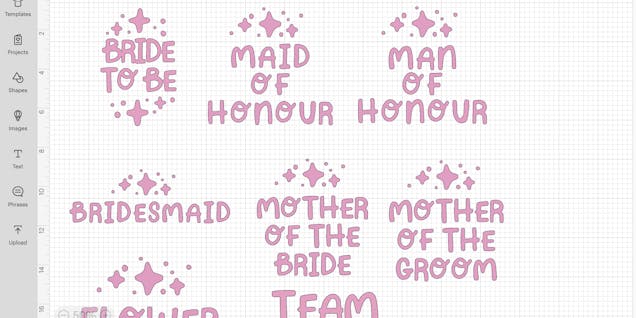
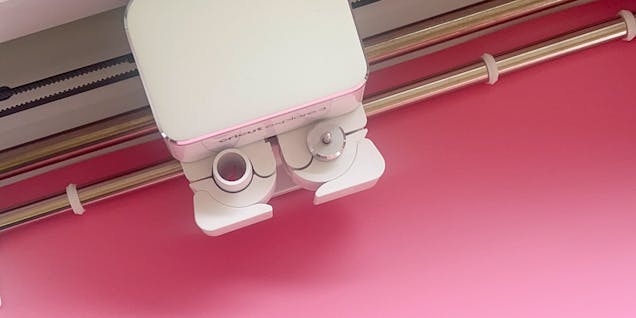
Next head to make it and make sure to mirror project. Next choose the type of iron-on you are using. For Smart Iron-on, load it into the machine face down. If working with non-smart iron on load it face down onto a mat, then into the machine and start cutting.
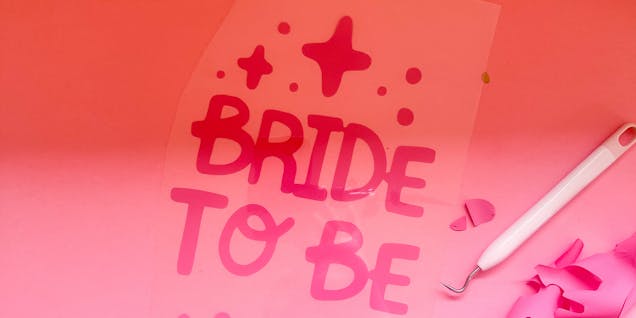
Once cut, weed your design by removing all the parts of the iron-on except for your design.
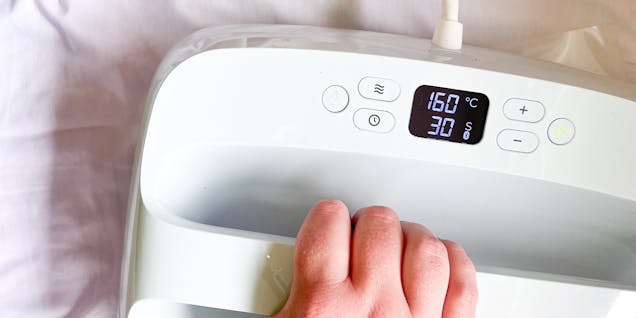
Next prepress your T-shirt for 10 seconds to remove any moisture in the fabric. Lay the iron-on design on to the back of a T-shirt and press with your Easy Press. Check the Cricut Heat App for the correct heat and time for your material and iron-on type.
Once pressed wait for the iron-on to cool before peeling off the plastic carrier sheet. Repeat the steps above for each T-shirt. These are now ready to wear to your bachelorette party!

Crochet a colorful Moroccan-inspired floor cushion with our fab FREE pattern
Learn how to crochet a Moroccan inspired floor cushion with our easy step-by-step guide...
Continue reading Crochet a colorful Moroccan-inspired floor cushion with our fab FREE pattern
Find the best yarn for the snuggliest blankets
Discover our ultimate guide of best yarns for blankets! Whether it’s knit or crochet, l...
Continue reading Find the best yarn for the snuggliest blankets


