

Demo Prismic Page
Published on September 8, 2026 by Sarah Jones
Skill Levelbeginner
Project time 4 hours
This is the page summary field. You can specify a hero image or hero video which appears above the page title in this heading. Add the author information from the 'Metas' tab in prismic. If you add a Project Details slice, you can add the 'Skill level' and 'Project time' bar.
Generic text block
It supports paragraphs, text formatting, headings, links, ordered and unordered lists and inline images (though we should better use image slices for images). You can copy and paste text in here.
Heading 1
Heading 2
Heading 3
Heading 4
Heading 5
Heading 6
Lorem ipsum dolor sit amet, consectetur adipiscing elit. Maecenas non iaculis dolor. Phasellus auctor nulla sed neque luctus tincidunt. Cras sodales velit ac odio bibendum, nec dictum est dapibus. Curabitur ut dolor enim. Cras a elit turpis. Cras sed felis libero. Sed quis quam faucibus, fermentum elit vel, dictum mi. Suspendisse laoreet accumsan massa, sit amet interdum mauris tristique et. In sit amet enim faucibus, placerat ex id, vestibulum tellus. Nullam vitae feugiat metus, a posuere augue.
Italic, bold text & hyperlinks
Orci varius natoque penatibus et magnis rci varius natoque penatibus et magnis dis parturient montesrci varius natoque penatibus et magnis dis parturient montes, nascetur ridiculus mus. Vestibulum euismod sollicitudin magna, quis imperdiet justo condimentum nec. Suspendisse vitae nisl vel eros efficitur euismod. Nunc eget bibendum est. Integer ut tincidunt velit. Phasellus eget sollicitudin magna, vitae auctor mi. Vestibulum gravida lobortis faucibus. Suspendisse libero nisi, lacinia vel dolor ac, pharetra ultrices ligula.
A Bullet List
- First bullet
- Second bullet
- Third bullet
A numbered list
- First numbered list item
- Second numbered list item
- Third numbered list item
An image embedded in generic text
Best to avoid including in the text like this but you can do if needed
CTA Slice
A custom button, specify a link to a category (set the handle), product (set the SKU, a prismic document or external link.
Responsive Image slice
Below is a 'responsive image' slice, you can specify different images for desktop, tablet and mobile if wished.

Video slice
Specify the youtube video ID and a caption if desired.
Image Slice - Full width

Image Slice - Left Float
Generic text added directly after the image in prismic will flow around this image.

Lorem ipsum dolor sit amet, consectetur adipiscing elit. Sed urna turpis, luctus ac faucibus ac, hendrerit ac purus. Sed rhoncus magna vel arcu lacinia maximus. Sed in nunc ex. Nunc facilisis ante eu tellus maximus porta. Nulla eget fermentum nulla, nec efficitur nisi. Vivamus pellentesque ultricies enim quis feugiat. Pellentesque nisi libero, placerat in tellus nec, mollis finibus diam. Sed vel luctus odio. Mauris viverra est ligula, nec porta libero tincidunt non. Aliquam nec tortor ut diam maximus pharetra id maximus dolor. Donec ac turpis ut velit ultricies mattis ac quis ante. Vestibulum sed augue eget urna egestas bibendum. Fusce sit amet felis gravida, pellentesque augue at, tristique nunc.
Image Slice - Staggered Square
Below is an example of the 'Staggered Square' image layout - if you put two of these directly after one another, the images will be displayed in one row on desktop screens with a small offset on the second image (an aesthetic choice which can be amended if wanted).

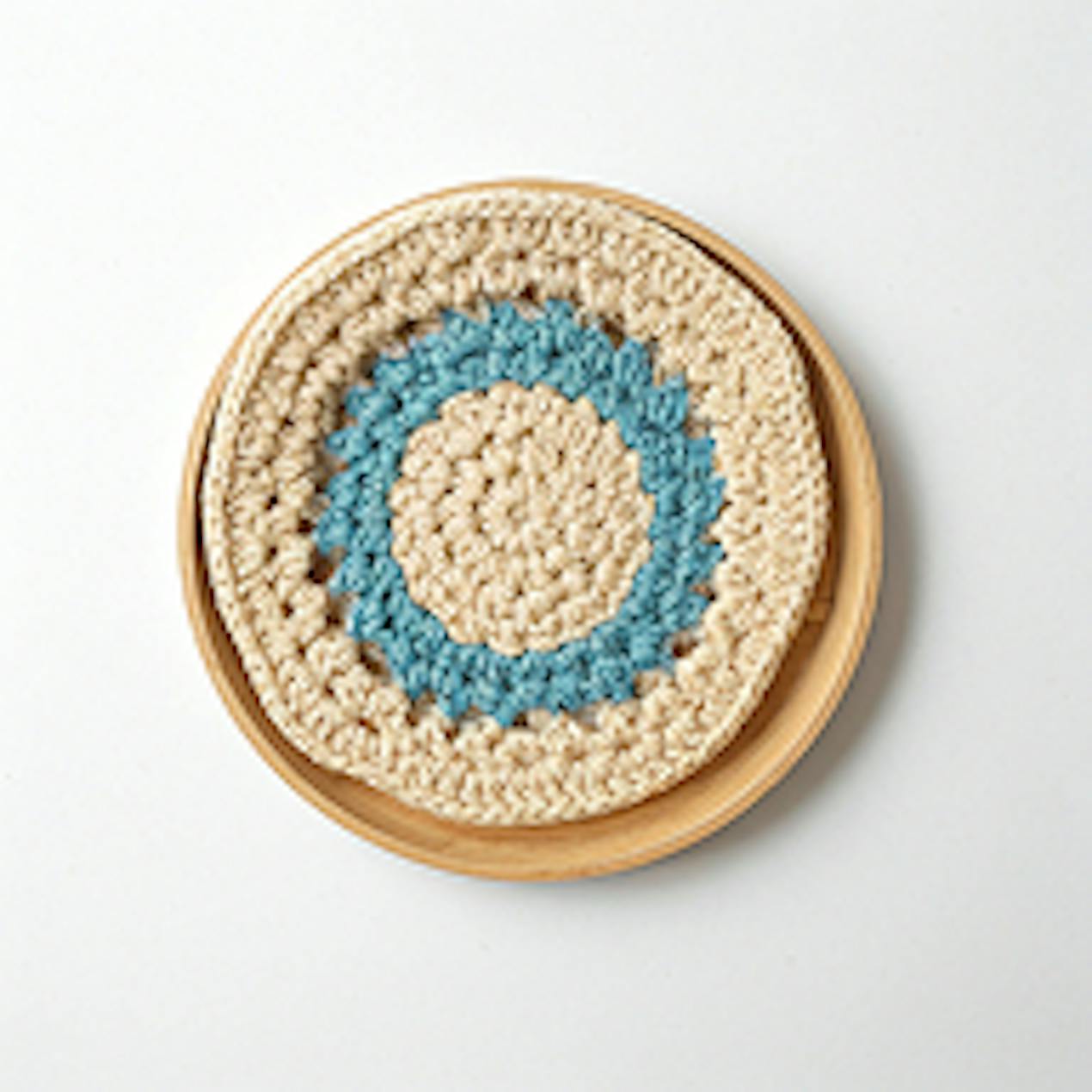
Image Slice - an orphan Staggered Square
If you have just one 'Staggered Square' image without one following, it will be displayed on its own centered as below:

Item Detail Slice
Specify the product SKU and we'll automatically pull an image, the link, name and description/subtitle. You can manually override name, description and image.

Paintbox Cotton Aran (manual input name)
Grab this fantastic yarn today (manual input description)

Crochet Trellis Mesh Head Wrap
Downloadable PDF, English
Product List Slice
Enter the handle of a shopify collection to generate a carousel of the items from the collection.
Card List
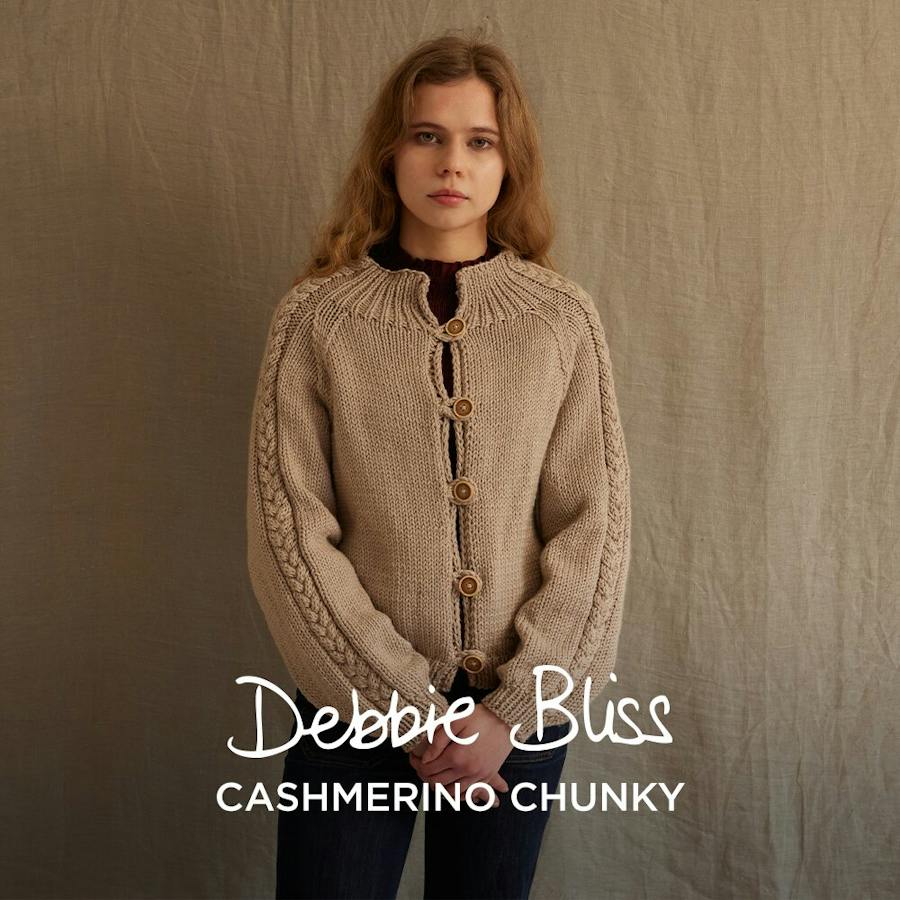
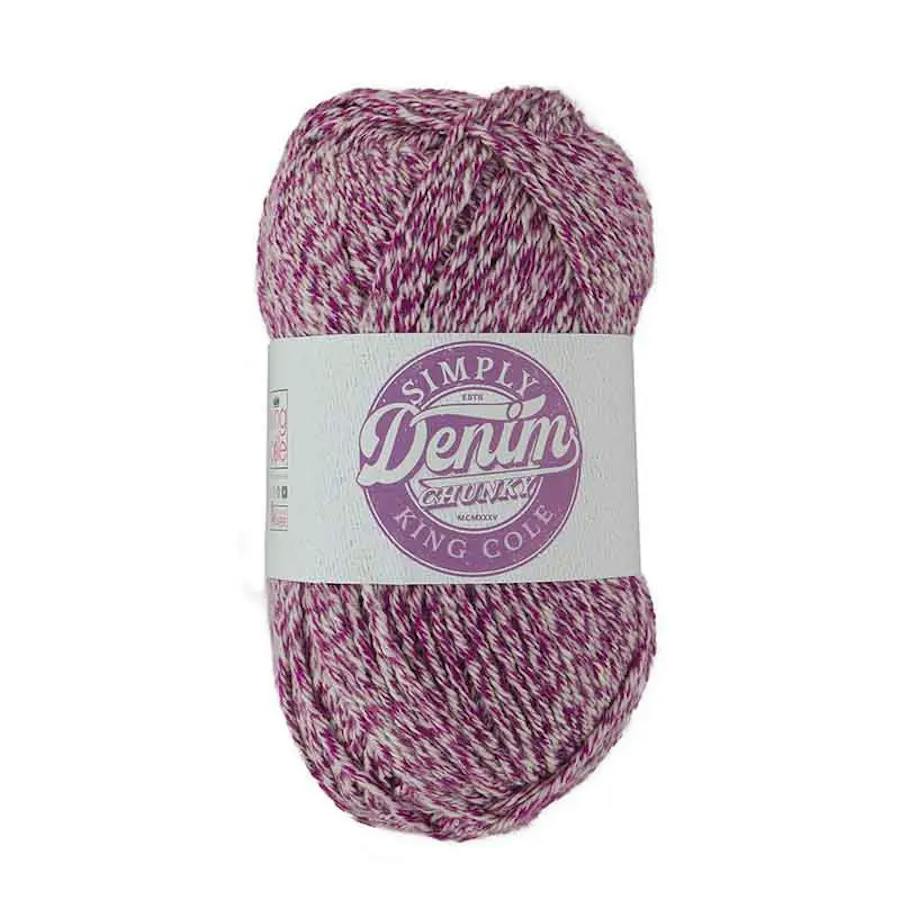
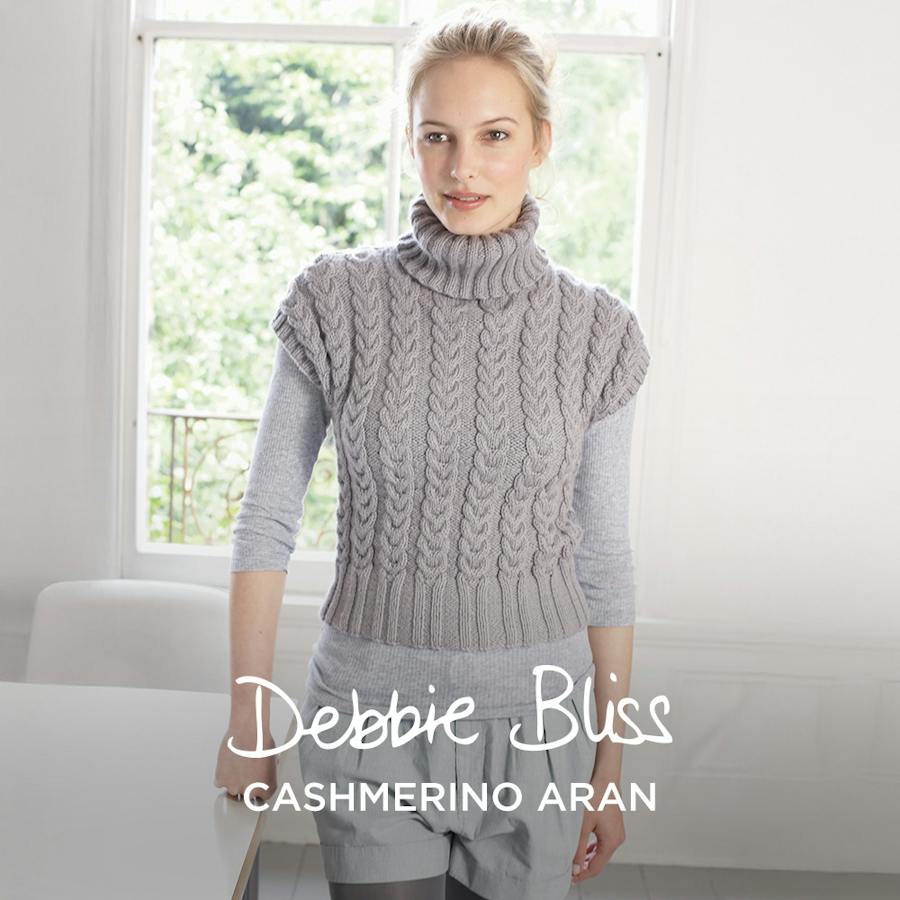
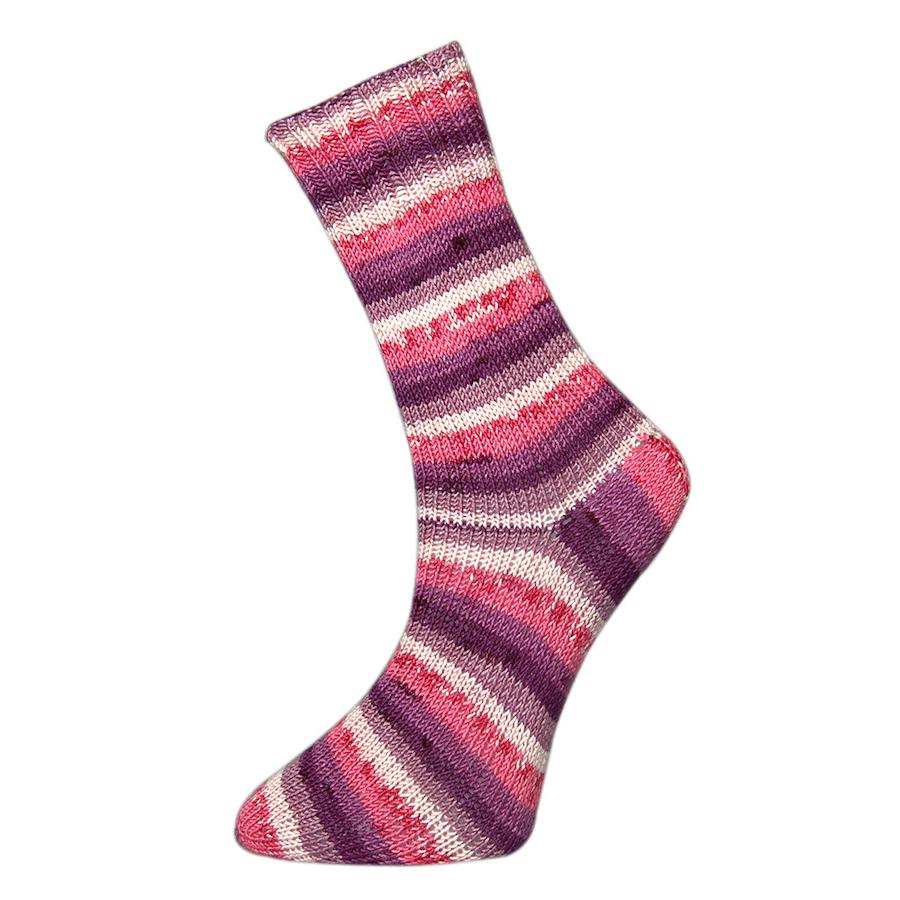
Below is a Card List with many different options - it can contain any number of items, be a carousel or not, rounded images or not, text, centered or not, alternate background color or not and edit the links. Configured in prismic.
The items included can be prismic articles, products or shopify collections. We pull the image/title/url from prismic/shopify for these unless you override. You can also add completely custom cards with external links etc.


Quote slice
This slice renders some text in quotation marks.
“ This is a quote by someone important ”
Interview Q&A Slice
Question and answers used in our interview articles
Do you prefer knitting or crochet?
I like knitting more than crochet because I enjoy the smooth, stretchy fabric it creates, especially for clothes like sweaters and scarves. I also find the repetitive motions of knitting relaxing and calming. To me, knitted projects often look softer and more delicate, and I like the variety of stitch patterns I can create with just two needles.
What is your favourite knitting shop online?
LoveCrafts of course! I like shopping at LoveCrafts because they have a huge variety of yarn, knitting needles, and patterns all in one place. I can usually find exactly what I need for my projects, and I like being able to read reviews and see photos from other crafters before I buy. Their website is easy to use, and I enjoy browsing for new ideas and inspiration for future knitting projects.
Step Guide Slice
Here is the first step with a 'Side-by-side' layout. Add the details of the how to for each step of the tutorial in this text section.

Here is the second step with a 'Side-by-side' layout. The image position alternates automatically left/right.

Here is the third step, using a full width image this time.

We can add these pro tips to call out some useful info for a previous step
Another step without an image appears like this as a full width item
Here is the last step, using the counter override option as well, not sure why we'd need it but added support for it.

Materials list
Add a list of products or collection links with a custom label
- PB Yarns Cotton DK!
- Paintbox Yarns Metallic DK
- Yarn (see all here)
- Lana Grossa Test Yarn
- Product with incorrect SKU
- Category with non-existent handle
Divider Slice
Choose from 5 different icons as a decorative spacer between sections of content.
Table slices
We have the 3 column table option, where you can specify column widths, and the more generic table option where columns are equal widths but you can have up to 10 columns. Examples below:
| Column 1 Title | Column 2 Title | Column 3 Title |
|---|---|---|
| Content 1 | Content 2 | Content 3 |
| Content 4 | Content 5 | Content 6 |
Another table slice type
| A | B | C | D |
|---|---|---|---|
| E | D | F | G |
Newsletter Signup Slice
Add a newsletter subscription section to any article with this slice.
Metas
You can set the following meta information but it's optional:
- Title - the meta title
- About - the meta description
- Author - a plain text author name if you don't have an authorinfo entry
- Keywords - meta keywords
- Headline - used in the seo schema markup
- Robots - you can set the follow/index behaviour for the meta robots tag e.g. NOINDEX,NOFOLLOW for this page as we don't want it to be indexed by google
- Canonical - the canonical url for the page, if needed
- Authorinfo - If you create an 'Author' document with name, image and bio you can link it to the article from the 'Authorinfo' field in the 'Metas' tab
Author slice

Sarah Jones is Content Manager at LoveCrafts. Lover of chunky yarns and colourful paper crafts, Sarah works with the in-house team and a whole load of talented content creators to keep makers informed and inspired!